Prepare one Edmonton listing photo in RenderVibe, then check it against the provincial MLS rules that name the REALTORS® Association of Edmonton, plus CREA accuracy duties and RECA advertising rules.
Real RenderVibe before-and-after examples
Reference photos and saved results from RenderVibe tests. These are visual concepts, not photographs of completed work. Briefs below summarize the requests; source credits accompany licensed stock photos.
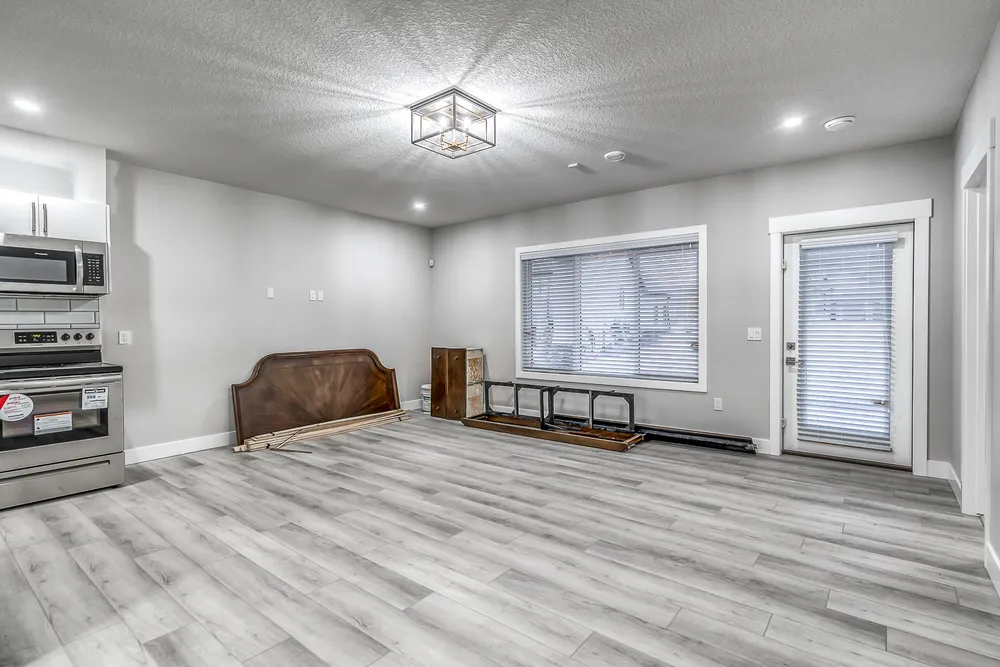
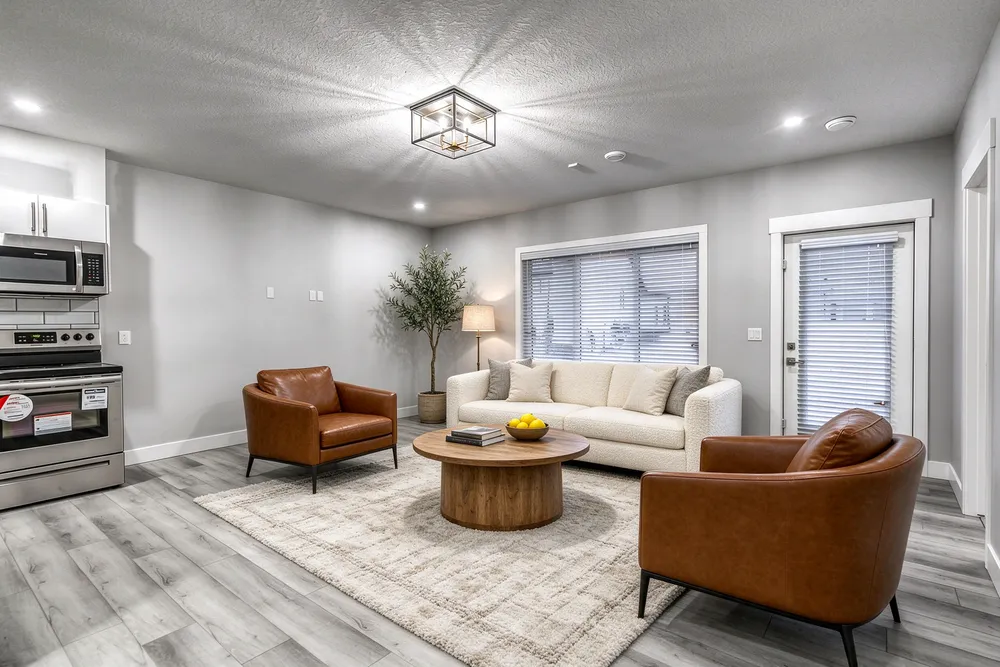
From a cleared room to a living-room concept
Before · source photoVirtually staged
The brief: Add a cream sofa, cognac chairs, an oak coffee table and a textured rug. Remove stored furniture pieces and keep the room’s existing finishes.
What to review: The result illustrates a seating arrangement around the existing window and door. Compare the floor, openings and furniture scale with the source before using it.
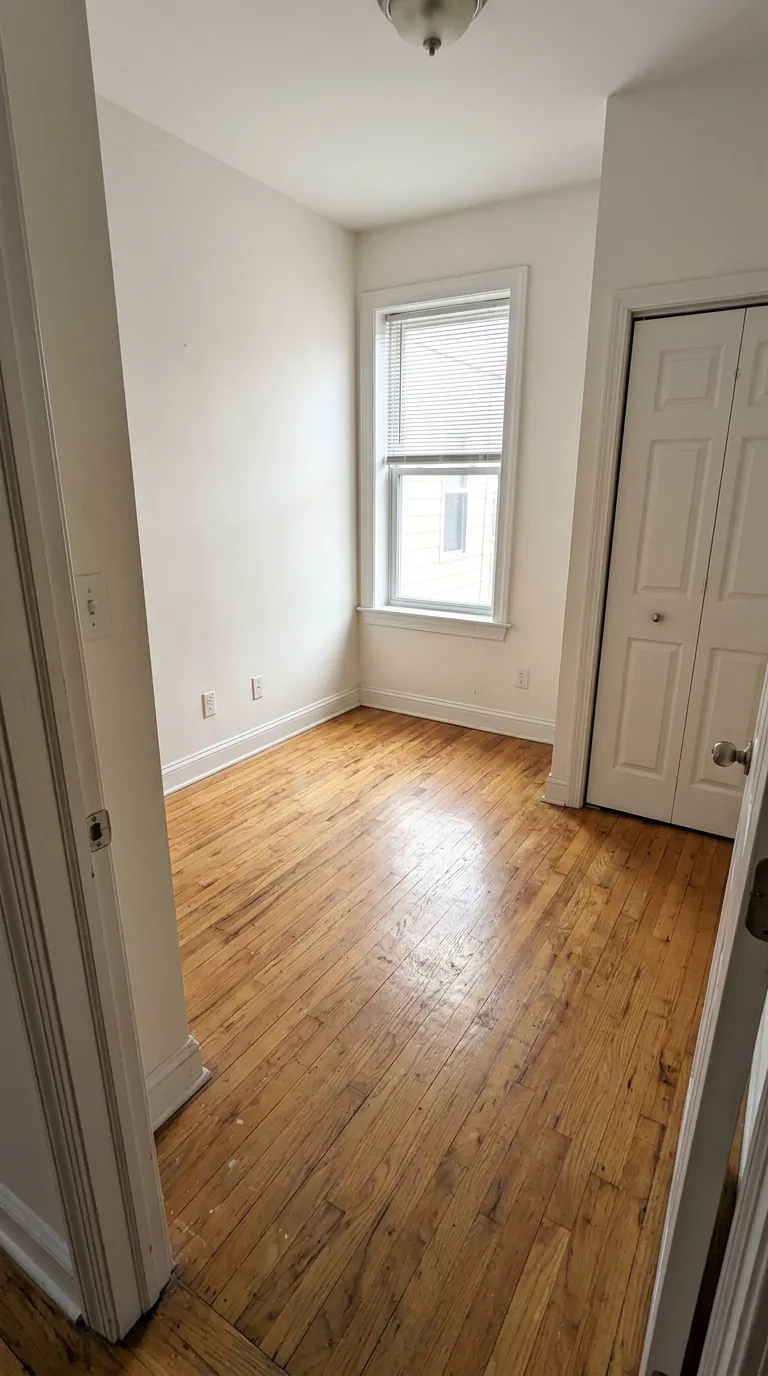
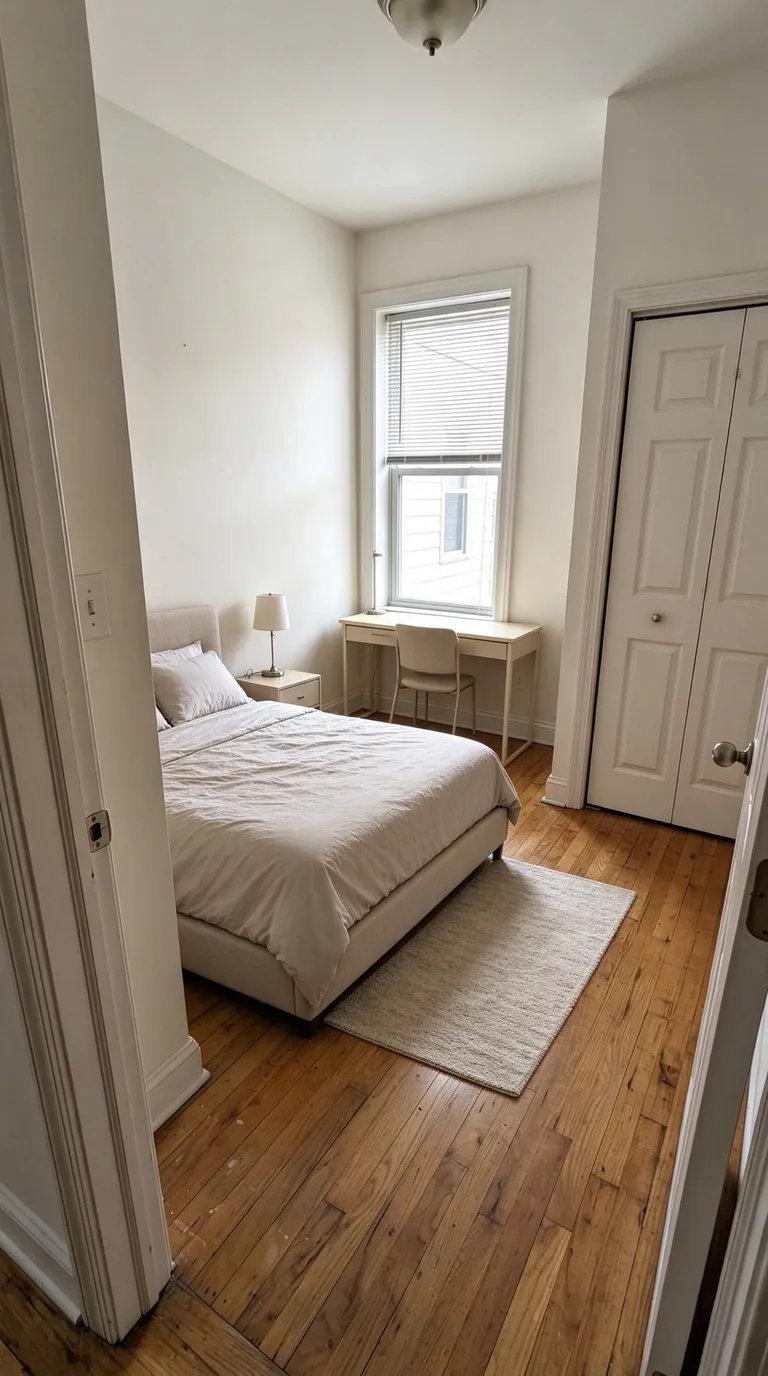
A compact bedroom with a study area
Before · source photoVirtually staged
The brief: Add a bed along the left wall, a desk under the window, a nightstand and a small rug. Keep the closet accessible.
What to review: The concept explores how sleeping and study areas could share a small room. It does not verify that the furniture fits; measure circulation and closet clearance separately.
The pictures above are saved product tests. Each staged image on this page is labeled Virtually staged. They are not Edmonton listings and not client results. Review the quote in the studio, then compare current packs on the pricing page. Compare all credit packs and monthly plans.
One job: review one Edmonton listing photo
This page does one thing. It walks through a single photograph you may upload to an Edmonton listing, and the public rules that say what that photograph may add. RenderVibe has no Edmonton office, no local staging crew, and no Edmonton price. You upload a photo of the actual room, name the unattached furniture to add, and read the credit quote before anything is generated. If the photo is of your own home and you are not preparing a listing, use AI home staging for your own rooms instead. The shared realtor steps are on virtual staging. The studio starts at AI home staging.
Which public rulebook names Edmonton
The January 2024 Provincial MLS® System Listing and Practice Rules for Alberta REALTORS® list the REALTORS® Association of Edmonton among the boards that collaborated on that edition. RAE's membership page says members receive access to the Association's MLS® System. A public RAE help article on private remarks cites Provincial MLS® System Listing Rule 3.01 for showing restrictions, which is the same provincial rulebook. Searches of RAE's public site for this page did not find a separate RAE document that restates virtual staging on its own. Use the provincial photo rules as the text that names Edmonton, and ask your brokerage about any member notice that is not on the public web. This page is a reading guide, not legal advice, and boards revise rules.
What those rules call staging
In the January 2024 definitions, virtual staging means adding virtual unattached goods, called chattels, of realistic size to property photos in order to give perspective on room dimensions. Virtual enhancing means virtually changing, adding, or augmenting features on property photos that would materially affect the property value. The definition names walls, and changes to the layout, locations, size, or type of windows, as examples. A sofa is a chattel. A new wall or a wider window is the kind of change those definitions name.
CREA's REALTOR® Code PDF hosted at crea.ca, in the file titled as the April 2015 edition, Article 13, says all advertising and promotion of properties shall accurately reflect property and other details and prominently display the name of the brokerage and any additional information required by provincial regulation. Interpretation 13.2 says a REALTOR®'s internet website is an advertising vehicle, and that all properties displayed and all representations made on it must comply with the Code and with applicable provincial, federal, and any other advertising requirements. CREA's By-Laws and Rules dated April 2025, rule 11.3.2, say the listing REALTOR® member is responsible and accountable for the accuracy of information submitted to a board for inclusion in the board's MLS® System, and that the board is responsible for ensuring the data meets reasonable standards of quality. Those passages do not define virtual staging. Confirm you are reading the current Code. The 2015 PDF is the file at that URL; this page does not claim a later edition says the same thing.
RECA advertising rules in Alberta
RECA's advertising page says advertising includes online listings and social media posts, and that licensees must clearly identify the licensee and their brokerage, keep advertising truthful and not misleading, and comply with RECA advertising policies and applicable legislation. Real Estate Act Rules section 42(a), as published on that rules page, says licensees must not make representations or carry on conduct that is reckless or intentional and that misleads or deceives any person or is likely to do so. RECA's advertising guidelines say industry-professional advertising must not be false, inaccurate, or capable of misleading the recipient, and that RECA considers the literal meaning and the general impression. The guidelines also say advertising can be misleading even without proof that a consumer was misled, if it is capable of misleading a reasonable consumer. None of those three RECA pages, in the text reviewed for this article, name virtual staging. Provincial MLS rule 6.05 still applies to members: a member will not use advertising that is inaccurate, misleading, or in any way misrepresents the member's services or the seller's property. A photo that would misrepresent the home on the MLS system should not run in another ad either.
Start from your own photograph
Stage from the photograph you took or commissioned, not from a file downloaded out of a listing system. In the brief, name the pieces and say that the walls, windows, doors, flooring, and the view stay. Compare the concept with the original at full size. Look for a moved opening, furniture that covers a stain, or a doorway that disappeared. The living-room and bedroom pictures on this page are product tests. Read how to photograph a room and the prompt guide before you write the brief. Current packs are on pricing. There is no separate Edmonton pack.
Does RenderVibe have an Edmonton office?
No. There is no Edmonton studio, showroom, or crew that visits the property. You supply the listing photo and you accept or reject the concept. Physical staging and local photography are separate hires.